DCC SoundCenter
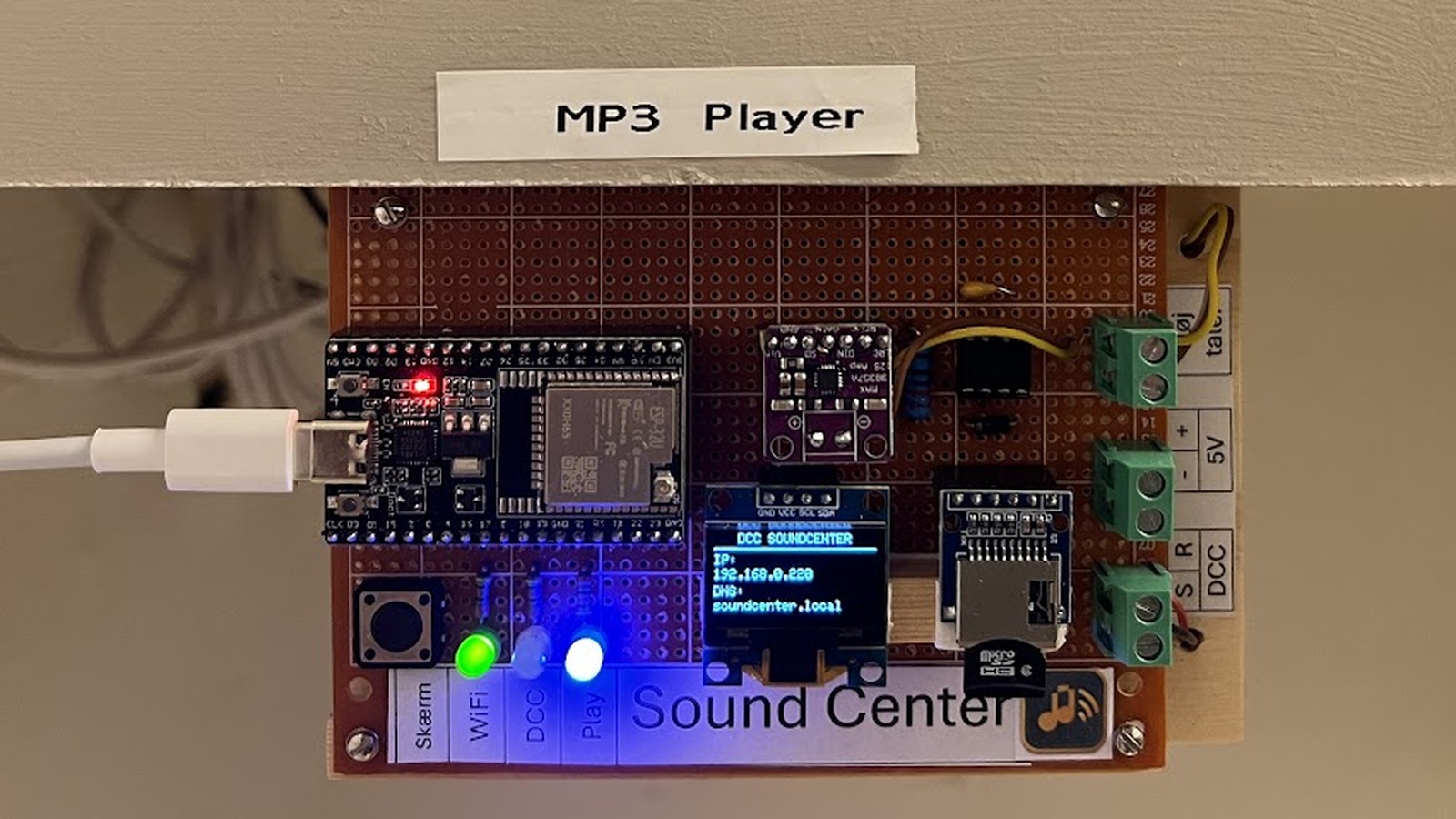
MP3 player with DCC interface. Create your own playlists and upload MP3 files directly from the web interface.
Version history
2.927-09-2026
New in SoundCenter 2.9
SoundCenter has been extended with several new features and improved playback logic.
SD card browser
================
A new SD card browser makes it possible to view folders and files on the SoundCenter SD card directly from the web configuration.
Extended DCC control
====================
The first DCC address and the number of addresses can now be freely configured. Up to 20 DCC addresses can be used, providing up to 40 red/green actions. Each action can be assigned to an MP3 file, playlist, volume setting or stop command.
Improved playback
=================
When an individual MP3 is selected in the sound library, by default only this MP3 is played, and playback then stops.
If “Repeat file list or active playlist” is checked, SoundCenter automatically continues with the next MP3. After the last file, playback starts again from the beginning of the list.
The same principle applies to playlists: without repeat enabled, the playlist is played once; with repeat enabled, it starts again after the last track.
The play button in the sound library turns green while an MP3 is playing. Clicking the green button stops playback. When the MP3 finishes, the button automatically returns to blue.
Available demo languages:DKGBD