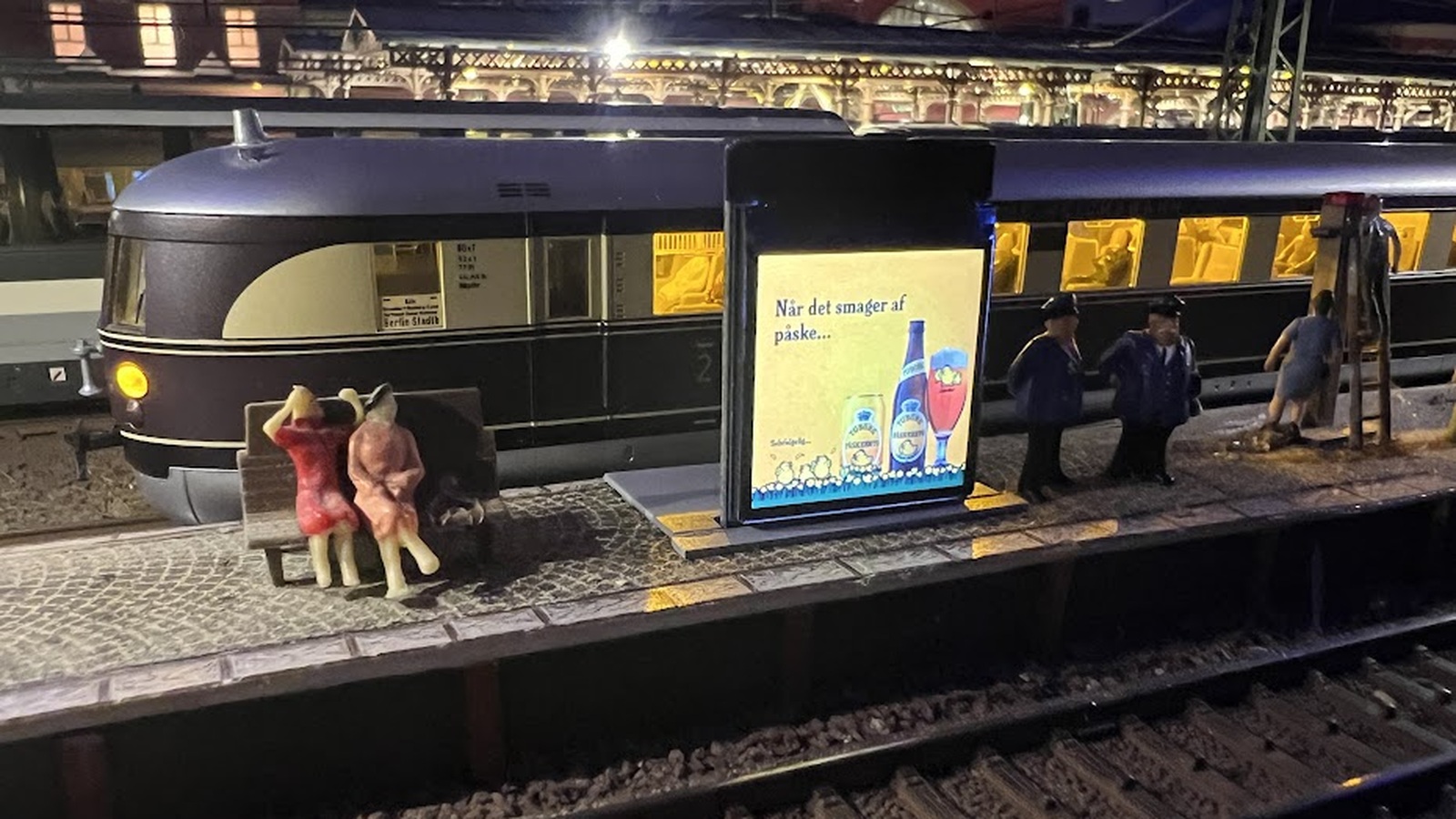

MQTT MedieInfo
Controls a 1.3 or 0.6 -inch TFT display. Shows selected images and/or information screens with data from an MQTT broker, such as weather information, stock prices, and more.
Version history
2.4118-10-2026
Important: When upgrading from an earlier version to this version, you must use "Install ESP32" or the Arduino project. Updating via the normal "Firmware" (OTA) option is not possible due to changes in the memory partition layout.
Please also make a backup copy of your SD card before upgrading.
What's new in this version:
1. Flexible JPG filenames – JPG files no longer need to follow the `999.jpg` naming convention. Any valid filename can now be used.
2. Drag & Drop – The playback order of images can now be changed using drag and drop.
3. SD Card Browser – You can now browse the files and folders on the SD card directly from the web interface.
4. Backup / Restore – You can now create and restore backups of your data and configuration.
5. Display Preview – You can now view a preview of the current display directly in the web configuration interface.
2.2408.10.2026
Now supports two display types:
- ST7789 – 240 x 240 – Standard
- ST7735 – 128 x 150 – 0.6” – N-scale
With the Media Converter add-on program (available under Downloads), you can now browse files on the SD card, perform backup and restore operations, and copy files between the SD card and your PC.
Available demo languages:DKGBD